
APSIS One for SuperOffice
Make SuperOffice data work better for Marketing
Connect SuperOffice to APSIS One and give Marketing automatic access to relevant customer data—without manual lists.

Plug ´n Play CRM Connector for:






Get Sales and Marketing working with the same data
Sales maintains customer records, contacts and valuable insights in SuperOffice. Marketing uses that data to identify the right audiences and deliver relevant communications in APSIS One.
APSIS One for SuperOffice connects the two systems, making relevant contacts and SuperOffice data automatically available to Marketing—without manual lists or duplicate work.
01
Select
Create a selection in SuperOffice with the contacts to synchronise with APSIS One.
02
Synkronisér
The Connector automatically transfers contacts and relevant CRM data from the selection to APSIS One.
03
Activate
Use SuperOffice data in APSIS One to build audiences and deliver more relevant marketing communications.

How APSIS One for SuperOffice works
From individual contacts to entire audiences, the integration keeps SuperOffice and APSIS One automatically connected.
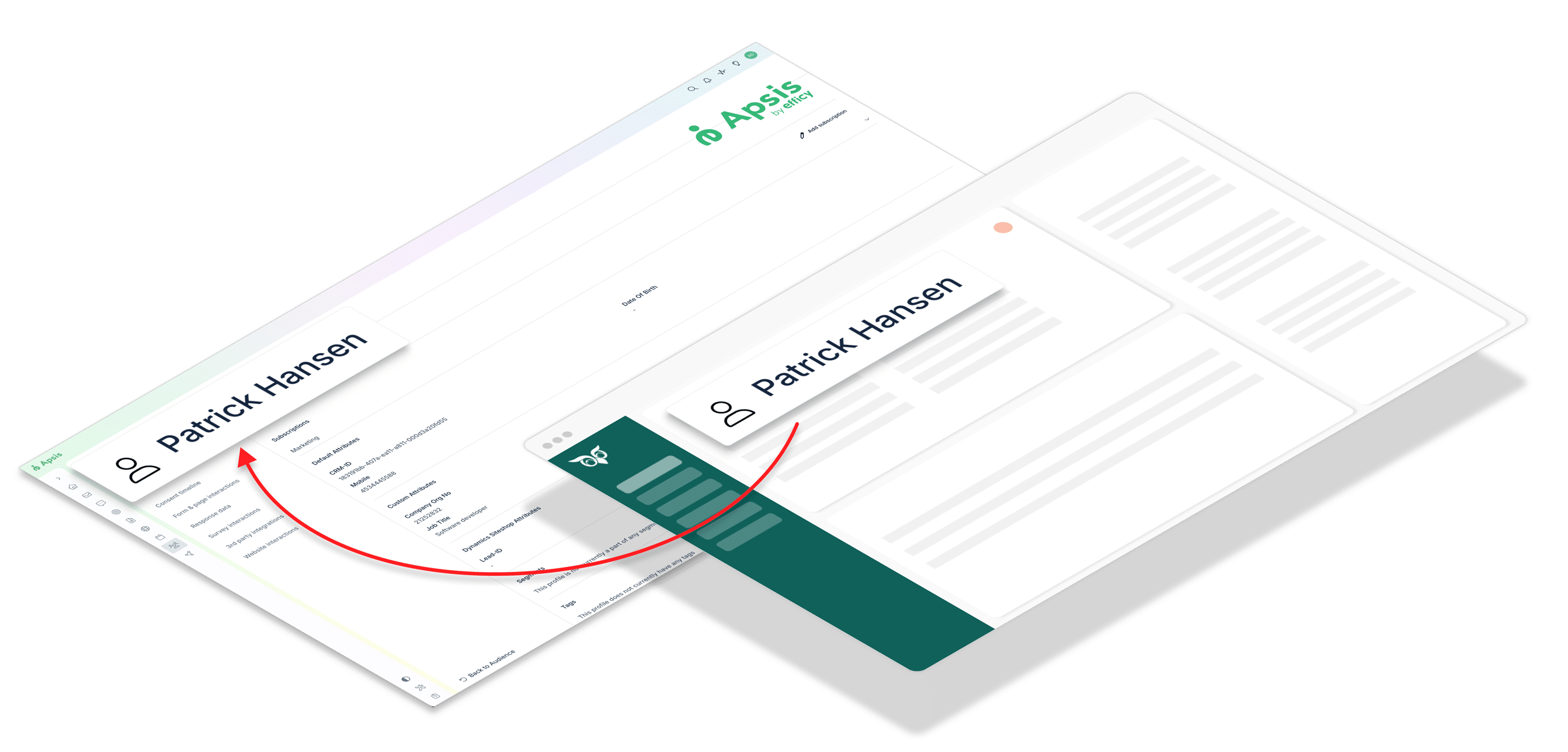
Create a selection in SuperOffice with the contacts to synchronise to APSIS One. New and changed data is transferred automatically, so Marketing always has up-to-date SuperOffice data to work with in APSIS.
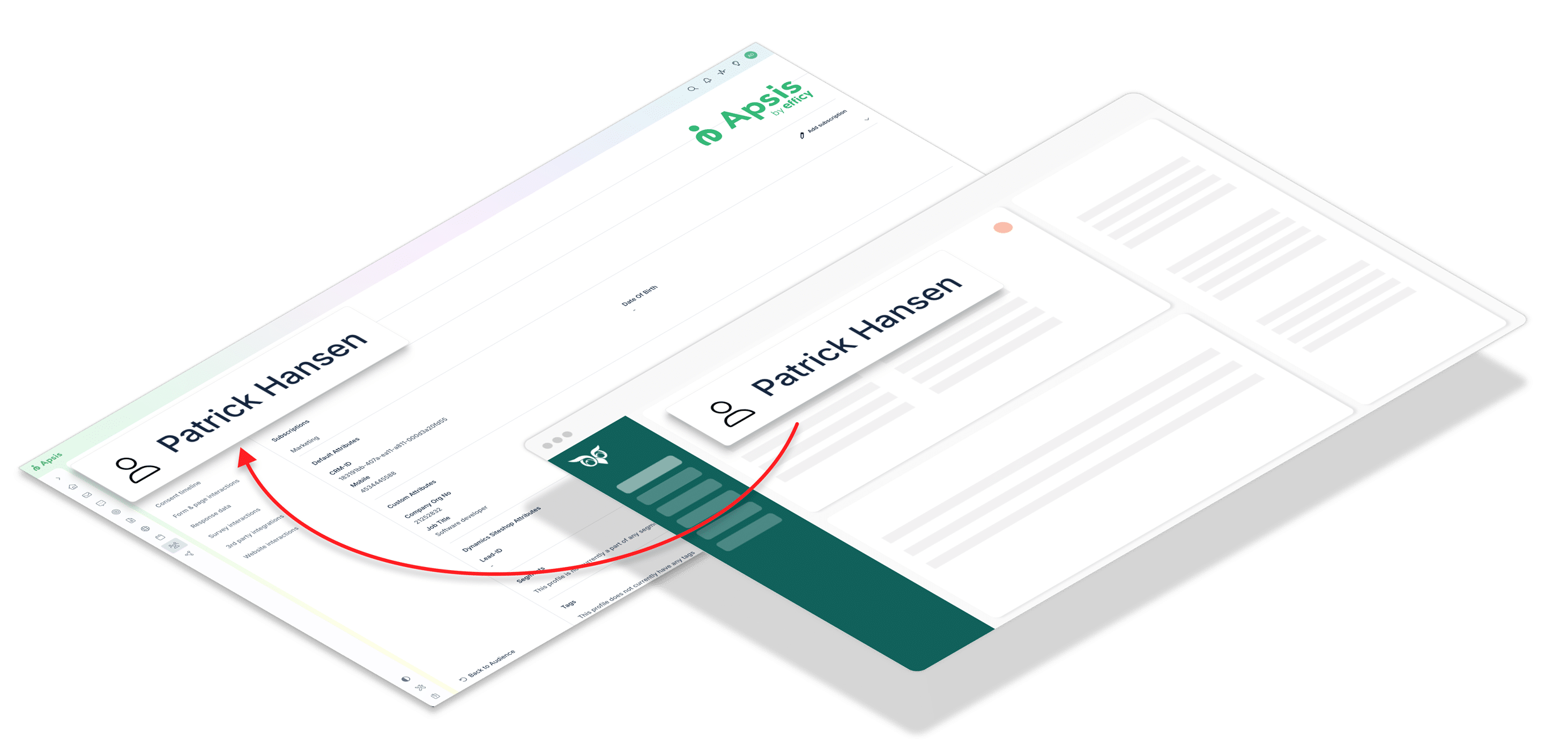
Create and maintain audiences in your CRM, and synchronise complete marketing lists with APSIS One—either as a one-time transfer or continuously.
Map relevant CRM fields to APSIS One and choose which customer and contact data Marketing can use for segmentation and communications.
Synchronise subscriptions and unsubscribes between your CRM and APSIS One, so changes are automatically carried across systems.
One complete package, ready to use
APSIS One for SuperOffice includes everything you need to connect SuperOffice with APSIS One and keep contacts, audiences and relevant data automatically updated in APSIS One.
Key features
What you get with APSIS One for SuperOffice
Use SuperOffice data for more relevant marketing
Make Sales’ knowledge about customers and contacts available in APSIS One, so Marketing can create better audiences and more relevant communications.
Eliminate manual contact lists
Let the Connector keep contacts up to date in APSIS One, so you avoid repeated exports, imports and manual maintenance between the systems.
Bring Sales and Marketing together
Let SuperOffice be the starting point for customers and contacts while Marketing works with the relevant data in APSIS One. This way, both teams work from the same customer data.
Manage subscriptions and unsubscribes in CRM
Update marketing subscriptions and unsubscribes in SuperOffice, so changes are automatically carried across to APSIS One.

“I highly recommend Siteshop’s Risika CRM Connector. The integration is extremely valuable to us, and the service is top-notch.”
“We now save an enormous amount of time internally, and with relevant, up-to-date customer and credit data in our CRM, everyday work is simply easier for all of us.”
Rune Bjørnstad
CEO, Polyflor AS
See APSIS One for SuperOffice in action
Book a short presentation and see how contacts are automatically updated in APSIS One.
Pricing
Basic
DKK 740
/ month
For 0–25,000 profiles in APSIS One
DKK 740 / month
billed annually
Standard
DKK 860
/ month
For 25,001–50,000 profiles in APSIS One
DKK 860 / month
billed annually
Professional
DKK 1.222
/ month
For 50,001–250,000 profiles in APSIS One
DKK 1.222 / month
billed annually
Enterprise
DKK 1.384
/ month
For 250,000+ profiles in APSIS One
DKK 1.384 / month
billed annually
Note: Standard implementering / onboarding koster DKK 15.000
Get started
Installation and registration of APSIS One for SuperOffice starts in the SuperOffice App Store—click below. Installation must be carried out by your CRM administrator together with Siteshop

Before starting the installation, review the documentation below and see the helpful tips in the list on the right. If you are unsure about the installation or configuration, email support@siteshop.dk
Helpful installation tips
Ready to connect SuperOffice and Marketing?
Make APSIS One and your SuperOffice work together so Marketing gets the right contacts automatically and without manual processes.