
Uniconta for SuperOffice
Make SuperOffice and Uniconta work together
Synchronise customers and valuable financial data from Uniconta to SuperOffice, eliminating double entry and manual updates.

Plug ´n Play CRM Connector for:

Better customer insight. Simpler workflows. Higher data quality.
SuperOffice shows Sales and Customer Service the relationship with the customer. Uniconta shows what is actually happening financially.
When the two systems are connected, employees have a stronger basis for understanding customers and acting on the right opportunities.
At the same time, customer data stays synchronised, so you do not have to create and maintain the same information in several places.
01
Bring financial data into the customer view
Make relevant data from Uniconta available in SuperOffice, giving Sales and Customer Service a better basis when working with customers.
02
Make the systems work together
Synchronise customers, people and quotes/orders from Uniconta to SuperOffice, so information does not have to be created, corrected and maintained manually in both systems.
03
View quotes and orders in SuperOffice
Let the Connector handle the exchange of quotes and orders from Uniconta, so they can be followed up and processed further in SuperOffice.

How Uniconta for SuperOffice works
From opportunity to customer to ongoing customer management, the integration keeps SuperOffice and Uniconta connected.
When a customer is created in Uniconta, it is automatically transferred to SuperOffice.
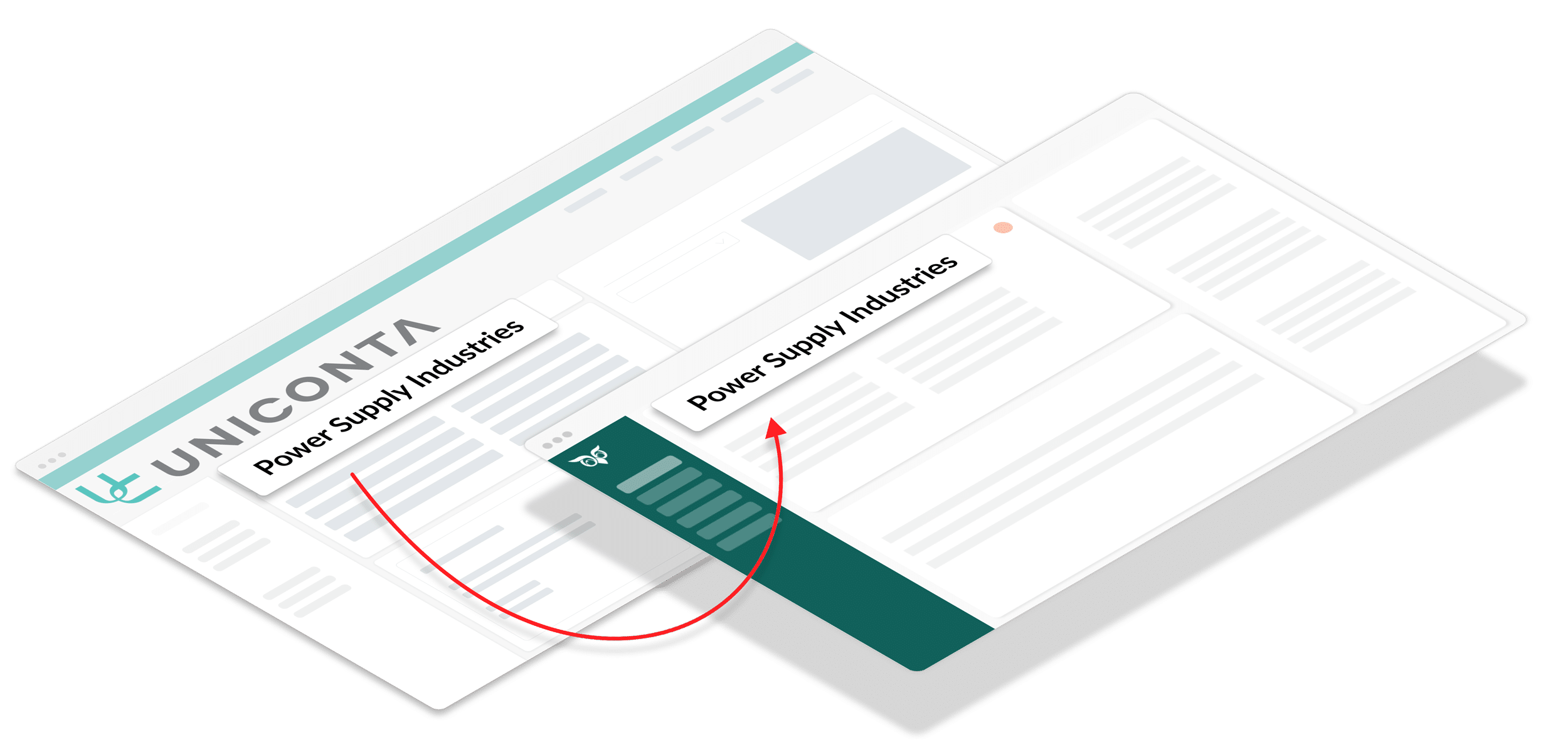
Once the customer has been transferred, the Connector keeps customer data up to date in SuperOffice, so changes are automatically carried across systems.
Make relevant financial data from Uniconta available directly on the customer in SuperOffice—for example, revenue, balance, credit limit and payment terms
OPTIONAL: Quotes and orders created in Uniconta are automatically transferred as Sales in SuperOffice. When a quote is converted to an order or lost, the Sale status is updated automatically
Key features
Uniconta for SuperOffice
What you get with Uniconta for SuperOffice
Build a stronger customer view
Bring together SuperOffice data and relevant financial data from Uniconta around the customer, giving Sales and Customer Service a better basis for dialogue, follow-up and prioritisation.
Get more from your SuperOffice
Make financial customer insight available where Sales and Customer Service already work, making SuperOffice a stronger tool for everyday customer work.
Less administration. Higher data quality.
Avoid creating and maintaining the same customer data in several places, while reducing the risk of duplicates, errors and conflicting information in the two systems.
Follow orders in SuperOffice
Follow quotes and orders created in Uniconta directly in SuperOffice. Get timely insight into customer journeys without switching between systems.
See Uniconta for SuperOffice in action
Book a short presentation and see how Uniconta and SuperOffice work together.
Pricing
Uniconta
customers
DKK 75
/ user / month
Minimum purchase of
3 users
Standard installation = DKK 9,900
Min. DKK 225 / month
billed annually
Uniconta
Quotes/orders
DKK 75
/ user / month
Minimum purchase of
3 users
Standard installation = DKK 9,900
Min. DKK 225 / month
billed annually
What does the annual price cover?
- Operation of Uniconta for SuperOffice
- Proactive monitoring of the integration
- Email support
- Ongoing compatibility with new versions of SuperOffice and Uniconta
- New features
The fixed annual price reduces the need for new consulting projects as SuperOffice and the API evolve.
What is included in the installation?
Standard installation includes at a minimum:
- Installation of Uniconta for SuperOffice
- Review of setup, field mapping, etc.
- Integration testing
- User onboarding
Get started
Installation and registration of Uniconta for SuperOffice starts in the App Store—select below (registration of Integration Cloud required). Installation must be carried out by your CRM administrator and a Uniconta user with admin rights.

Before starting the installation, review the documentation and see the helpful tips in the list on the right. If you are unsure about the installation or configuration, email support@siteshop.dk
Helpful installation tips
Ready to connect SuperOffice and Uniconta?
Make Uniconta and your SuperOffice work together automatically and without manual processes.