
BYGGefakta Rise CRM CONNECTOR
From intelligent project insight to opportunities in your CRM
Bring Rise’s project insights, relationships and prioritised opportunities directly into your sales team’s CRM workflows.

Plug ´n Play CRM Connector for:

From Rise to CRM. Simple as that.
Byggefakta Rise makes it easier to find and prioritise the construction projects and relationships that matter most to your business. With the Rise CRM Connector, you can bring the relevant projects into CRM and make them part of your sales team’s everyday work.
This brings Rise’s project insights together with your CRM’s customer relationships, activities and sales opportunities.
01
Find and prioritise
Use Rise to find the projects and opportunities that are the best fit for your business.
02
Transfer to CRM
Send relevant projects directly to CRM.
03
Continue working in CRM
Follow the project, relationships and sales opportunity where the rest of your sales work already happens.

How the Rise CRM Connector works
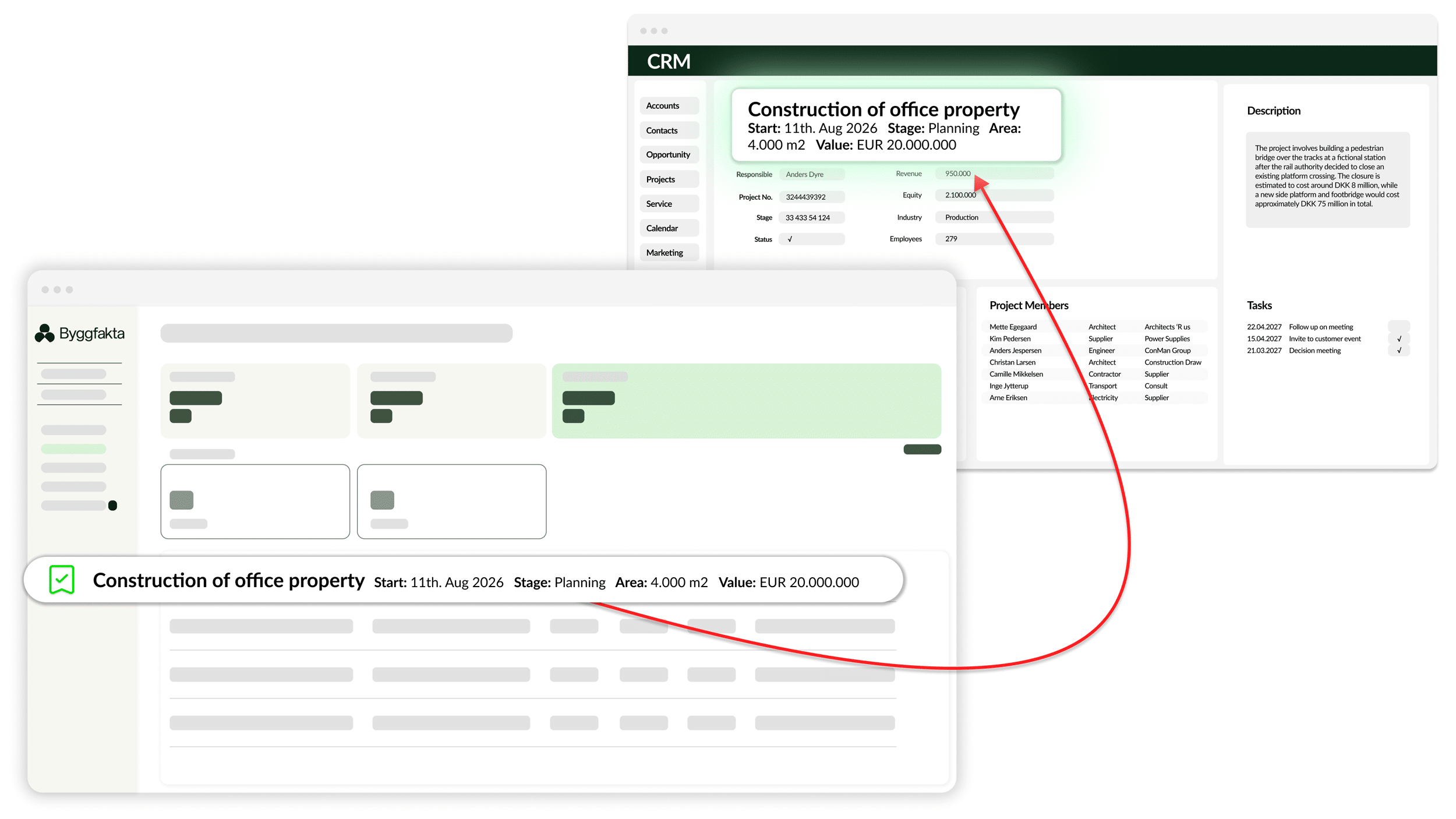
1
Log in to Rise, find the projects you want to work with in CRM, and place them in a folder.
2
A few moments later, the Rise project is automatically created in CRM, including all the data fields you know from Rise.
3
Now you can continue working with the project using your usual CRM activities for sales, tasks, resource planning, knowledge sharing and more.
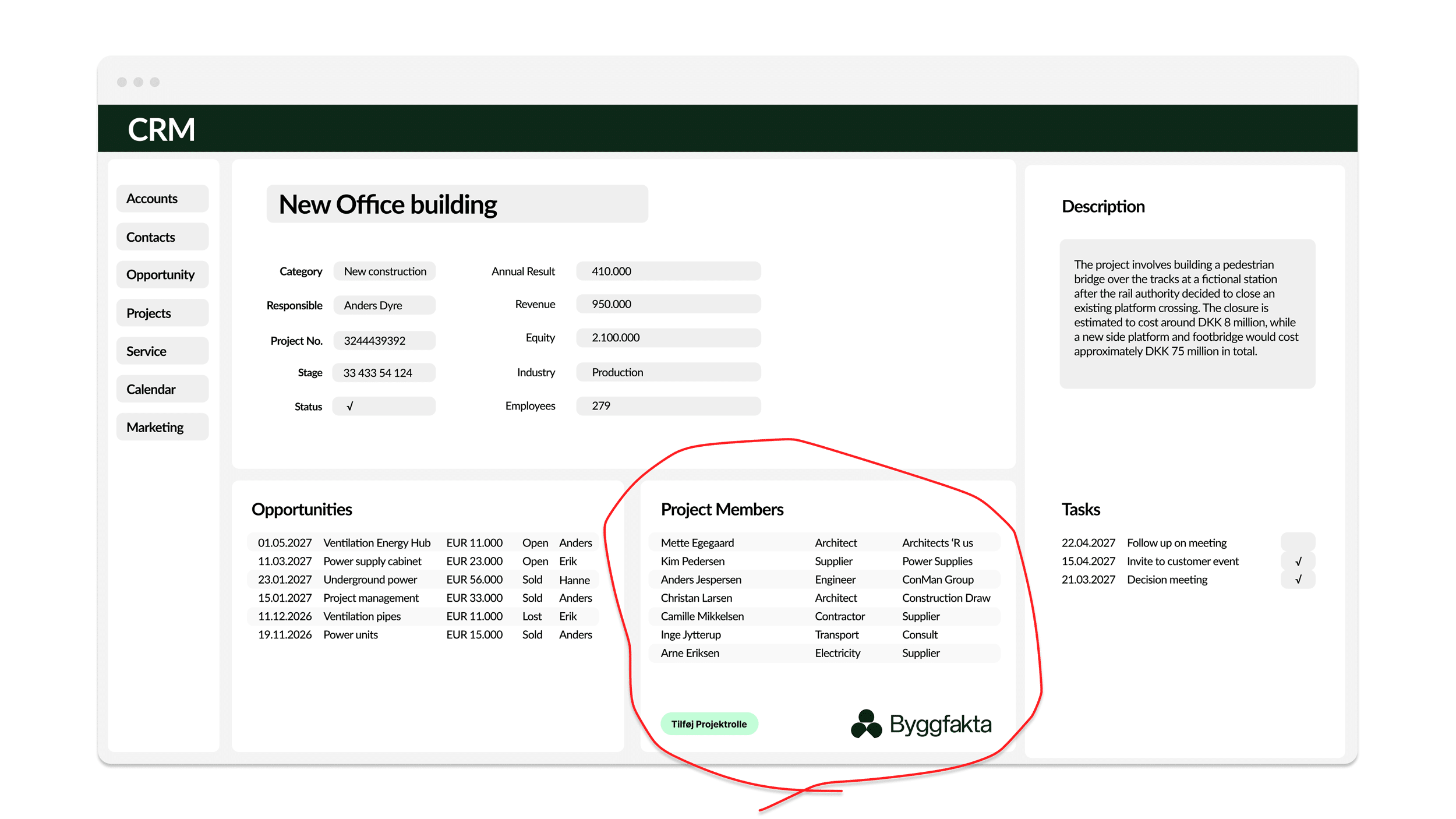
1
For each Rise project in CRM, you can now see the project roles — companies and contacts — linked to the project in Rise.
2
Select the relevant project roles and link them to the project. A duplicate check is performed, so you can see whether the companies and contacts already exist in CRM.
3
If the project roles don’t already exist in CRM, you can easily create them by clicking Add.
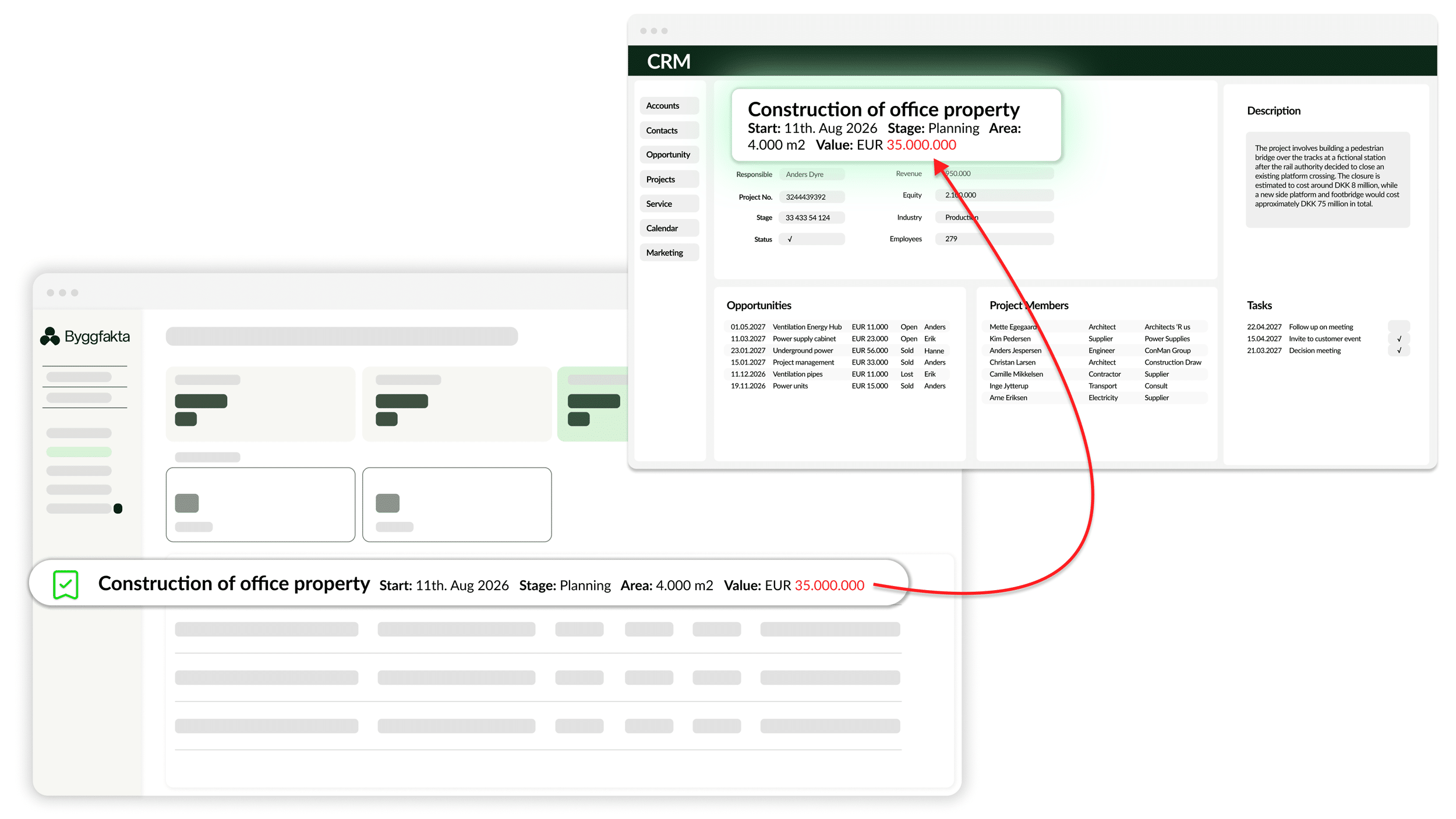
1
Changes made to projects in Rise are automatically updated in CRM.
2
Updates happen automatically every night.
3
All project fields originating from Rise are therefore always accurate and up to date in CRM.
One complete package, ready to use
The Rise CRM Connector includes everything you need to make
Rise projects and project data an integrated part of your CRM.
Key features
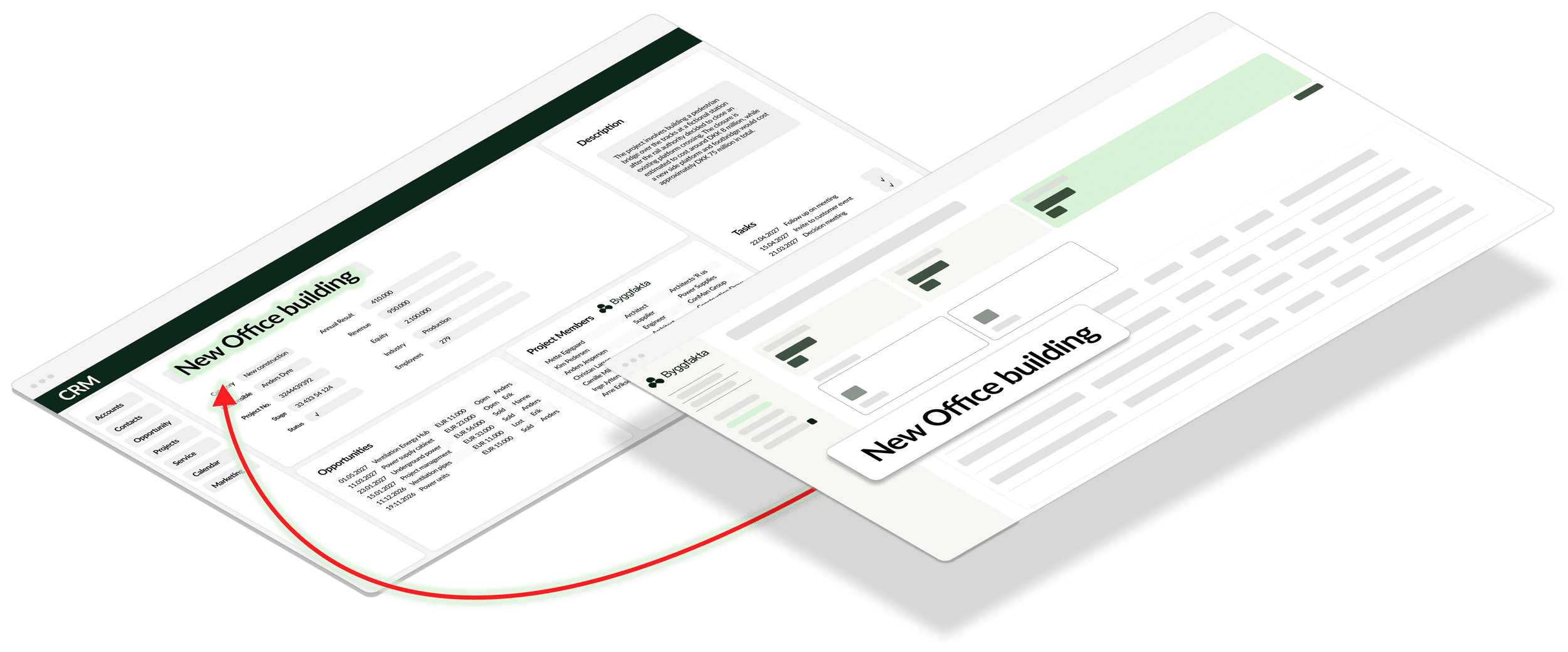
What you get with the Rise CRM Connector
Take the best opportunities forward
When Rise helps your sales team find and prioritise the most relevant projects, the Connector makes it easy to bring those opportunities into CRM and turn insight into concrete sales activity.
Combine project insights with your customer relationships
Bring Rise’s project and stakeholder insights together with your CRM’s customers, contacts, activities and sales opportunities. This gives your sales team a more complete view of both the project and the relationships around it.
Avoid duplicate work
Transfer project data directly from Rise to CRM, so your sales team doesn’t have to create and maintain the same information in multiple systems.
We take care of operations and maintenance
Siteshop operates and maintains the Connector, so your IT team or CRM partner doesn’t have to build the integration themselves or keep it compatible with Rise and your CRM.

“Jeg vil i den grad anbefale SMART CRM Connector fra Siteshop. Integrationen er svært værdifuld for os, og servicen er helt i top.”
“Vi sparer utrolig meget tid internt nu, og med relevante og opdaterede kunde- og projektdata i CRM er hverdagen bare nemmere for os alle.”
Rune Bjørnstad
CEO, Polyflor AS
See the Rise CRM Connector in action
Book a short demo and see how Rise and your CRM can work together.
Pricing
Free Trial
Free
30 days
–
–
Approval from Hubexo
Standard
€ 34
/ user / month
Minimum purchase of
3 Connector users
Minimum €102 / month
billed annually
Professional
€ 28
/ user / month
Minimum purchase of
6 Connector users
Minimum €168 / month
billed annually
Enterprise
€ 17
/ user / month
Minimum purchase of
16 Connector users
Minimum €272 / month
billed annually
NB. See the current price in your local currency in the App Store. Rise CRM Connector is billed annually.
* Rise provides access to data from Denmark, Sweden, Norway and Finland. A suitable agreement with Byggefakta / Hubexo is required.
“Rise data access” is not included in the prices above and must be activated as part of your Rise subscription with Hubexo / Byggefakta.
How to get started
Installation and registration of the Rise CRM Connector starts in your CRM platform’s App Store — choose yours below. Installation must be carried out by your CRM Administrator or CRM Partner.
Go to App Store



Before starting the installation, we recommend reviewing the documentation below and checking the helpful tips in the list on the right. If you have any questions about installation or configuration, contact us at support@siteshop.dk.
Documentation
SuperOffice
Dynamics 365 Sales
Salesforce
Installation tips
How does the Rise CRM Connector fit into your everyday work?
Book a short demo tailored to your CRM and daily workflows.