
BYGGefakta SMART CRM CONNECTOR
From the project database to opportunities in your CRM
Bring SMART’s project insights, relationships and timing directly into your sales team’s daily CRM workflows.
Plug ´n Play CRM Connector for:




From SMART to CRM. Simple as that.
Hubexo’s Byggfakta SMART is one of the most widely used construction project databases in the Nordics. With our connector, your sales team can bring the relevant projects from SMART directly into CRM.
That makes CRM more useful in their day-to-day work — while helping you get even more value from your SMART data.
01
Find the project
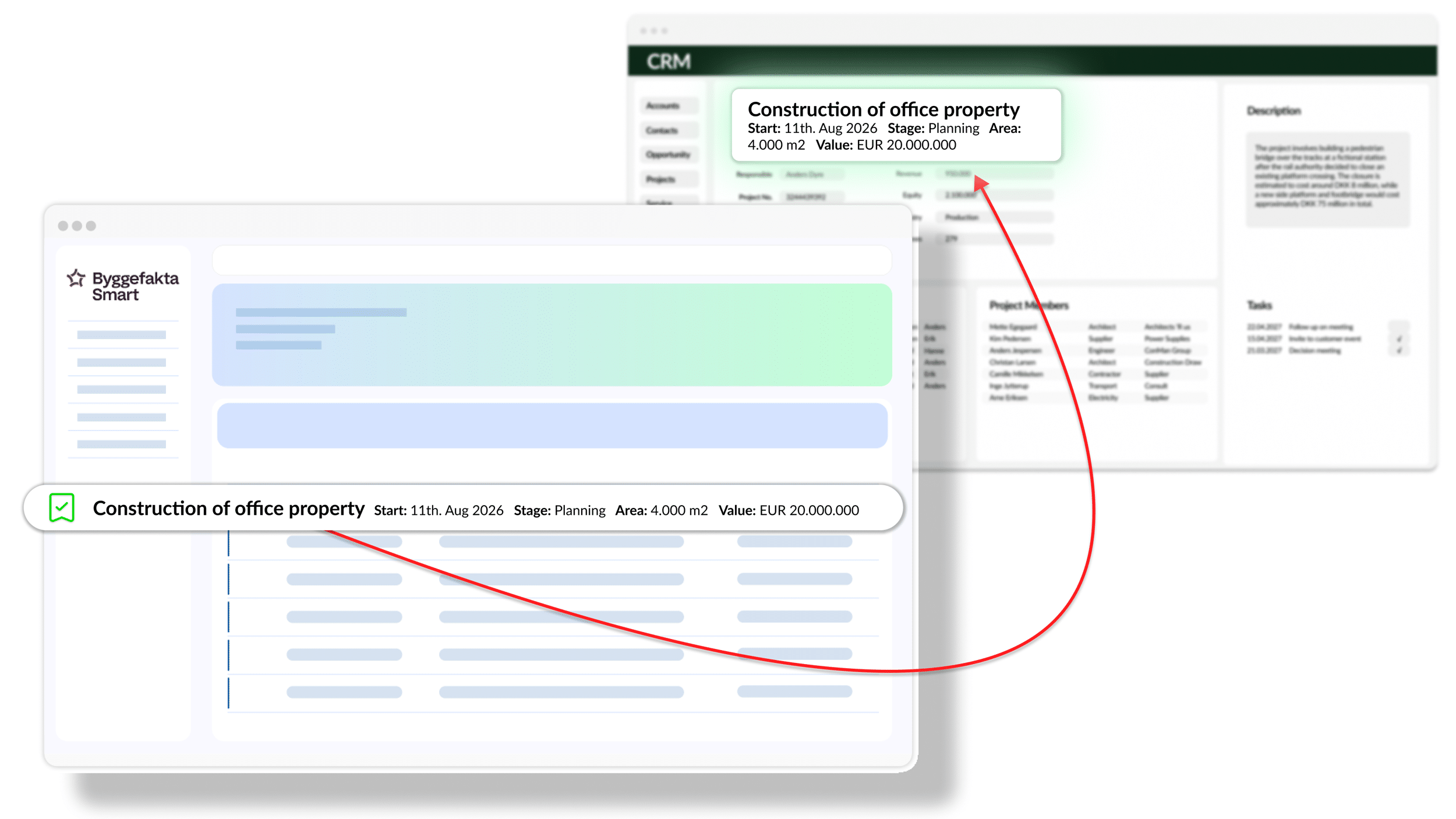
Transfer projects individually from SMART, or automate the process using your own filters.
02
Send project to CRM
The CRM Connector transfers the project and the relevant information directly into CRM.
03
Keep working with up-to-date data
Project data is now part of your CRM, so the sales team can follow up, assign project roles and continue working with the opportunity there.

How the SMART CRM Connector works
1
Log in to SMART, find the projects you want to work with in CRM, and change their status to “Working With”.
2
A few minutes later, the SMART project is automatically created in CRM, including all the data fields you know from SMART.
3
Now you can continue working with the project using your usual CRM activities for sales, tasks, resource planning, knowledge sharing and more.
1
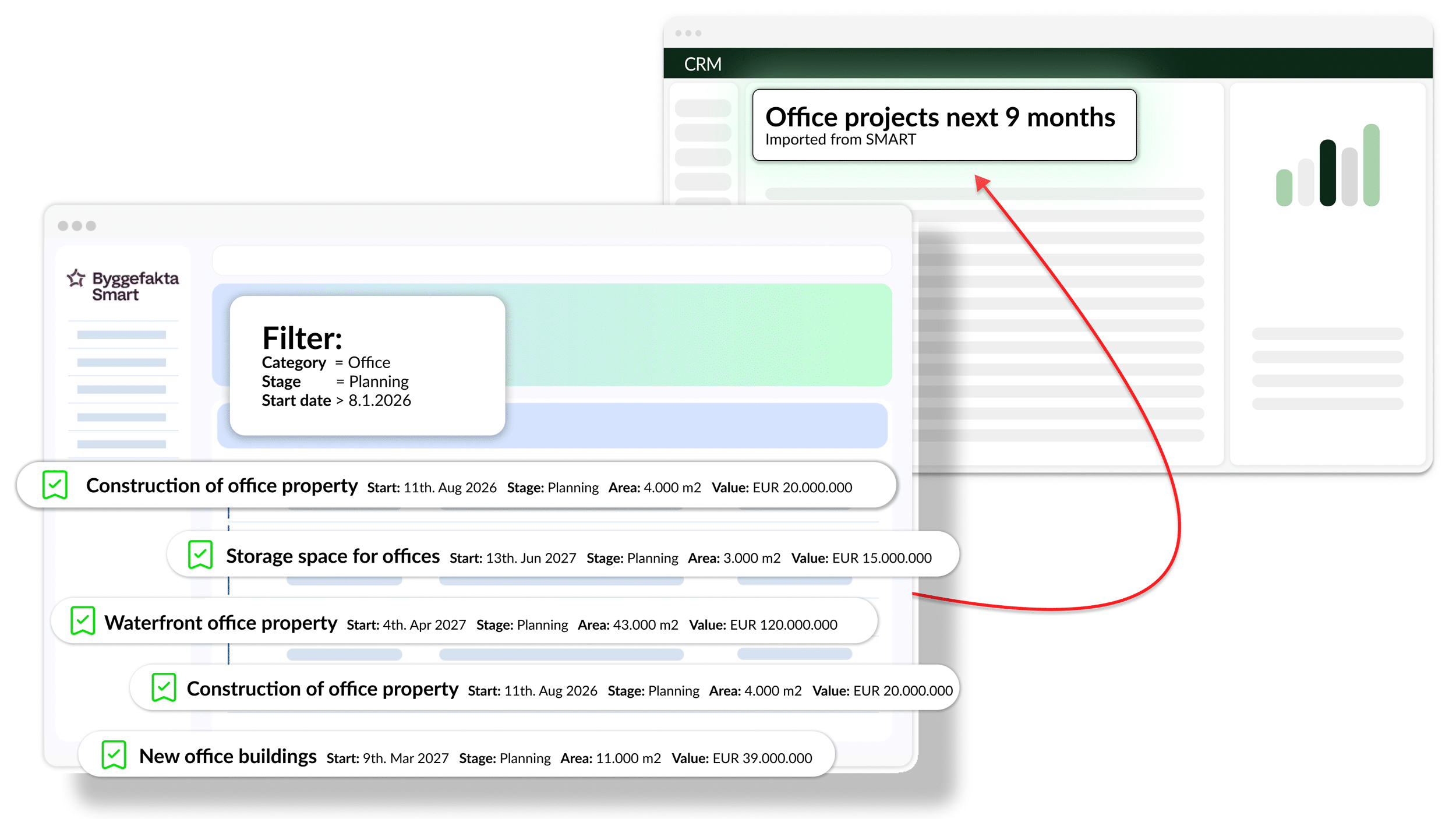
Sæt filtre så de kun finder de absolut mest relevante projekter for videre bearbejdning i CRM.
2
SMART CRM Connector kan indstilles til automatisk at overføre de projekter, der overholder kriterierne i filtret.
3
Jeres liste med SMART Projekter bliver løbende beriget med nye projekter til bearbejdelse i CRM.
1
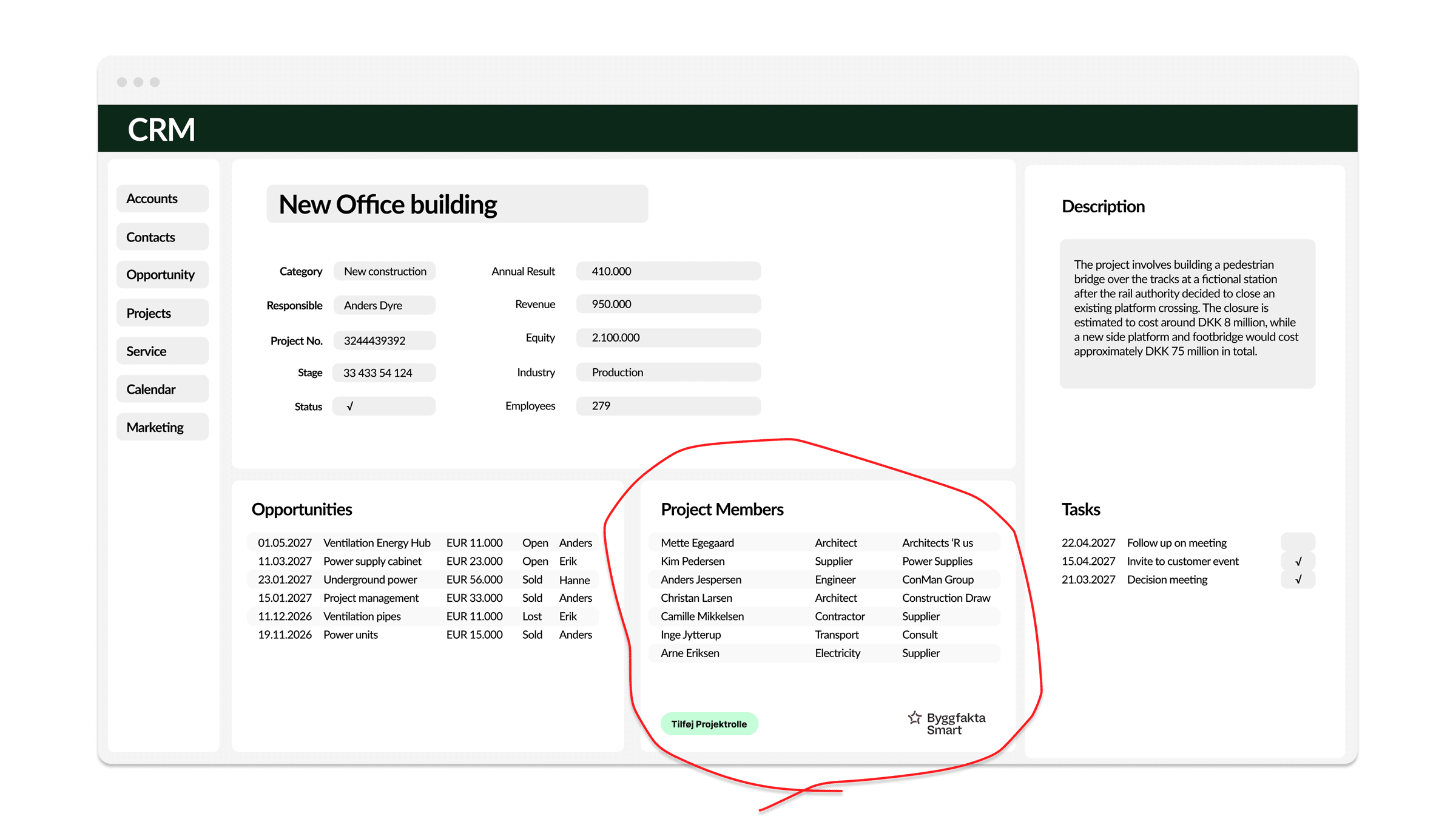
På hvert SMART Projekt i CRM, kan man nu se de projektroller (firmaer og personer) er knyttet til projektet i SMART.
2
Vælg de relevante projektroller og tilknyt dem projektet. Dublettjek udføres så I kan vurdere om projektrollerne findes i CRM i forvejen.
3
Hvis projetrollerne ikke findes i CRM i forvejen, kan I nemt oprette dem ved at trykke på Tilføj.
1
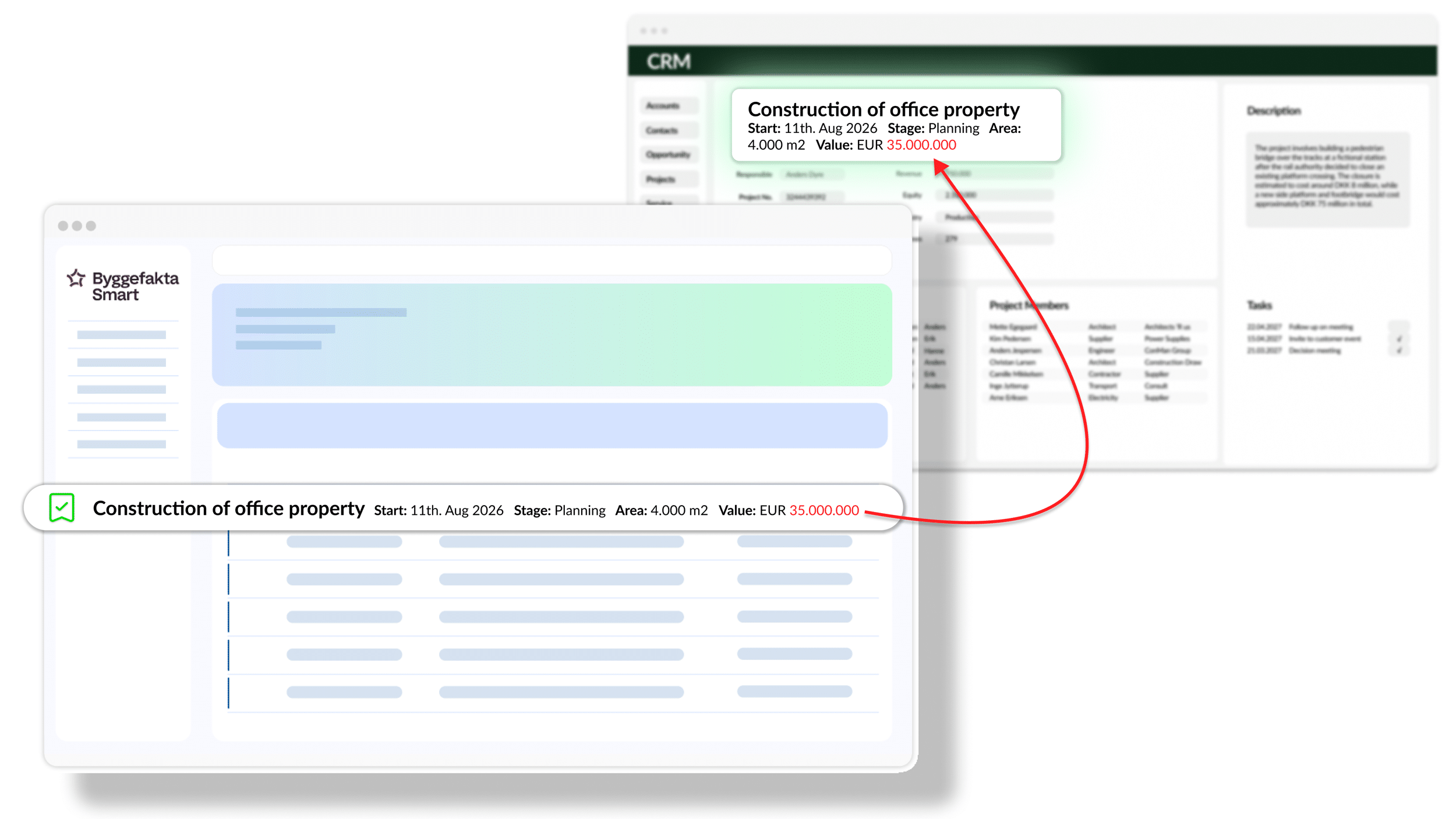
Ændringer på projekterne i SMART, bliver automatisk opdateret ind i projekterne i CRM
2
Opdatering sker automatisk hver nat
3
Alle projektfelter der stammer fra SMART, er derfor altid korrekt og opdateret i CRM.



One complete package, ready to use
The SMART CRM Connector includes everything you need to integrate SMART projects with your CRM system.
Key features
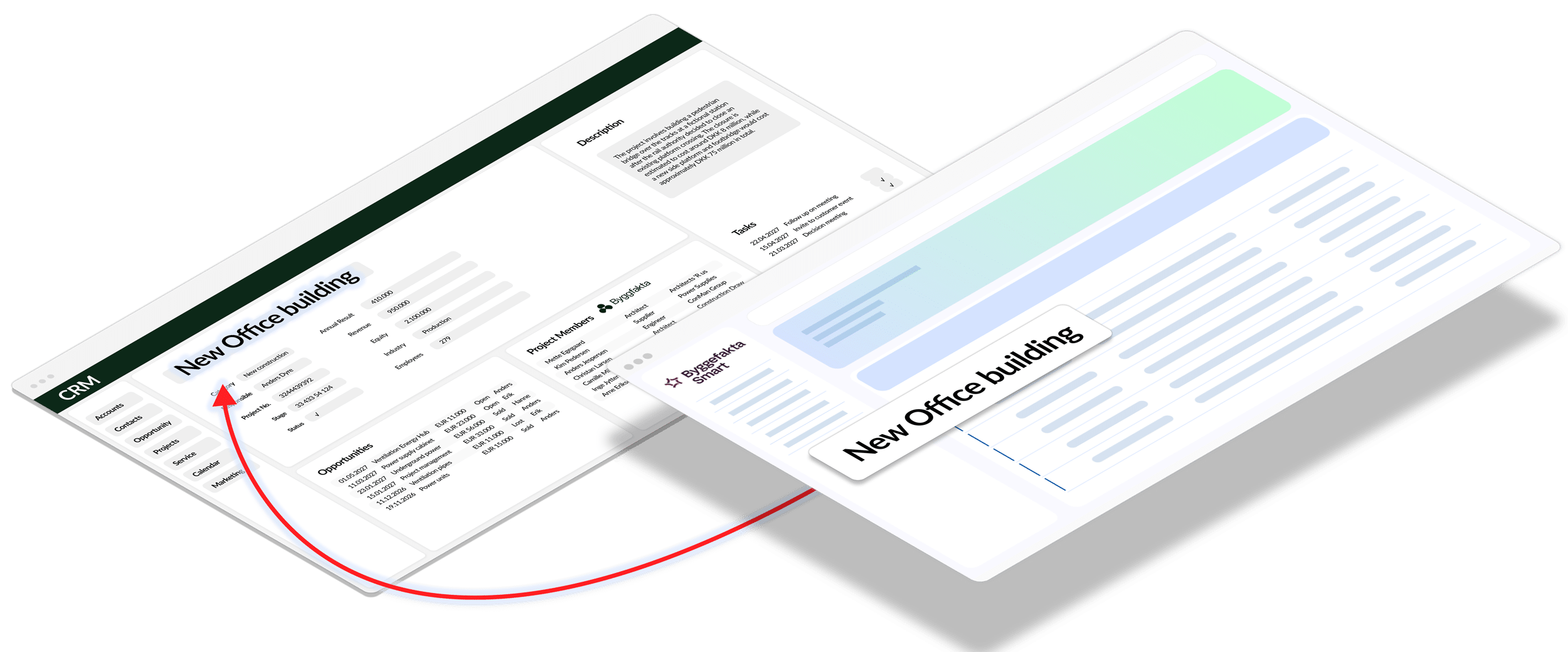
What you get with the SMART CRM Connector
Say goodbye to manual data entry
Transfer relevant construction projects, companies and contacts from SMART to CRM in just a few clicks — or automatically based on your own criteria. It saves time and reduces the risk of typing errors and duplicates.
Follow up at the right time
Make SMART’s project insights part of your sales team’s daily workflow. Project data is updated every evening, so your sales team can follow developments and see when the time is right to reach out.
Give the sales team a shared overview
Bring construction projects, companies, contacts and sales opportunities together in CRM. This makes it easy for colleagues to share project knowledge and see the relationships around each project — even when another salesperson needs to take over.
We take care of operations and maintenance
Get a ready-to-use connector that can be configured to fit your CRM and workflows. Siteshop operates and maintains the integration, so your IT team or CRM partner doesn’t have to build and maintain it themselves.

“I would absolutely recommend Siteshop’s SMART CRM Connector. The integration is incredibly valuable to us, and the service is second to none.”
“We’re saving an incredible amount of time internally, and with relevant, up-to-date customer and project data in CRM, everyday work is simply easier for all of us.”
Rune Bjørnstad
CEO, Polyflor AS
See the SMART CRM Connector in action
Book a short demo and see how SMART and your CRM can work together.
Pricing
Free Trial
Free
30 days
–
–
Approval from Hubexo
Standard
€ 34
/ user / month
Minimum purchase of
3 Connector users
Minimum €102 / month
billed annually
Professional
€ 28
/ user / month
Minimum purchase of
6 Connector users
Minimum €168 / month
billed annually
Enterprise
€ 17
/ user / month
Minimum purchase of
16 Connector users
Minimum €272 / month
billed annually
NB. See the current price in your local currency in the App Store. SMART CRM Connector is billed annually.
* SMART provides access to data from Denmark, Sweden, Norway and Finland. A suitable agreement with Byggefakta / Hubexo is required.
“SMART data access” is not included in the prices above and must be activated as part of your SMART subscription with Hubexo / Byggefakta.
How to get started
Installation and registration of the SMART CRM Connector starts in your CRM platform’s App Store — choose yours below. Installation must be carried out by your CRM Administrator or CRM Partner.
Go to App Store

Before starting the installation, we recommend reviewing the documentation below and checking the helpful tips in the list on the right. If you have any questions about installation or configuration, contact us at support@siteshop.dk.
Documentation
SuperOffice
Dynamics 365 Sales
Salesforce
Installation tips
How does the SMART CRM Connector fit into your everyday work?
Book a short demo tailored to your CRM and everyday workflows.